Loading Screws
This program node is used to load screws from a screw feeder. When run the robot will move to the screw feeder and pick up the screw.
Note
This program node can be used with any screw feeder that present the screw in a fixed position.
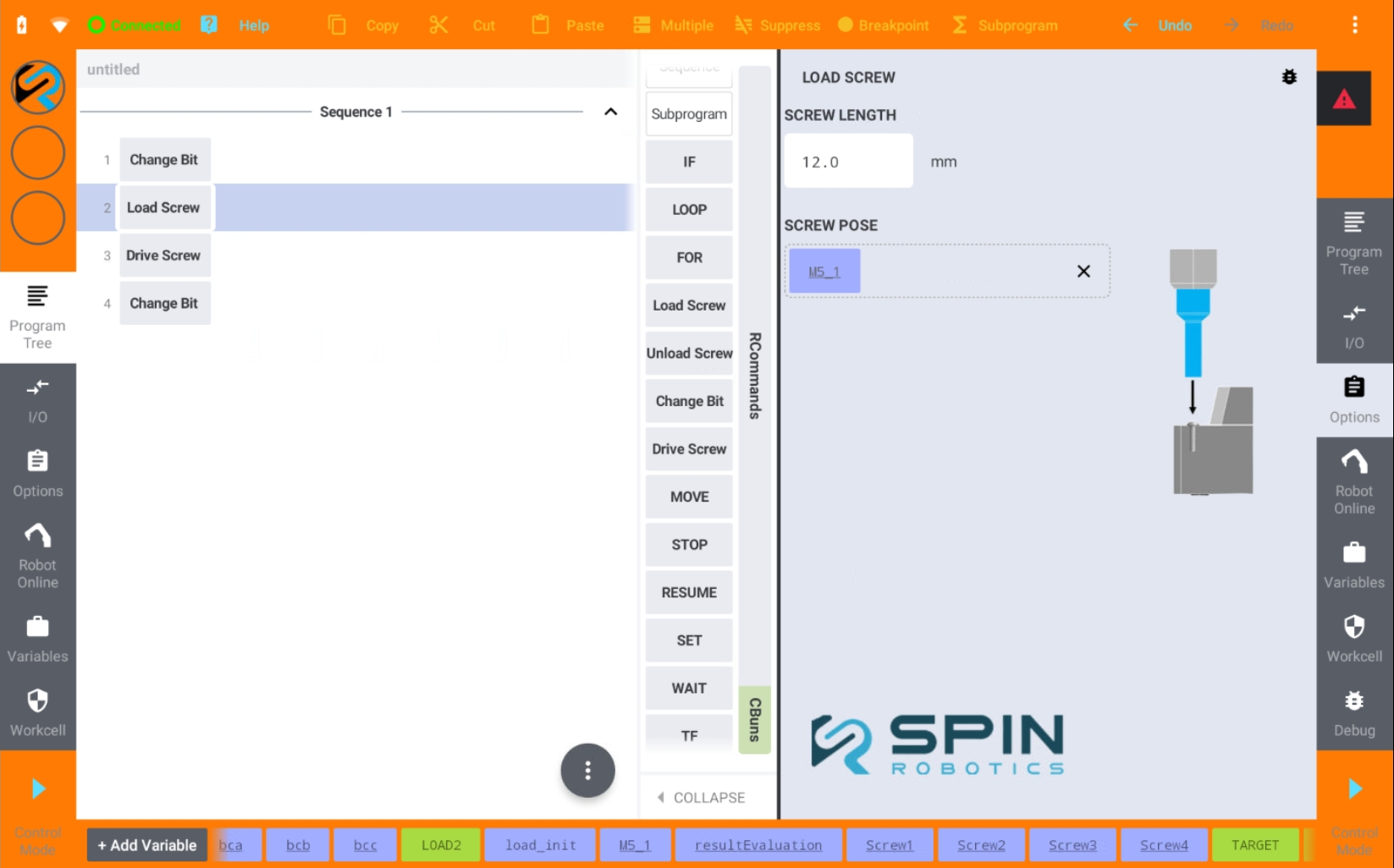
From the Commands panel drag and drop the Load Screw program command to the program tree.
Enter the length of the screw.
Teach the pose of the screw in the feeder. Save the pose in a variable and drag and drop the variable to the Screw Pose field. See Teaching a Position.